⚠ Disclaimer
NOT RECOMMENDED FOR APPS FROM META, UBER, WHATSAPP, ANY GOOGLE APP REQUIRING AN ACCOUNT, OR ANY BANKING APP. RISK OF ACCOUNT BAN WITH CHANGED SIGNATURE.
For these apps, use Install to Device via USB or download as ZIP (uncheck merge) to preserve original signatures.
Use your own judgement to decide if an app is serious enough about security to warrant not merging. We do not take responsibility for any account bans or restrictions resulting from the use of re-signed APKs.
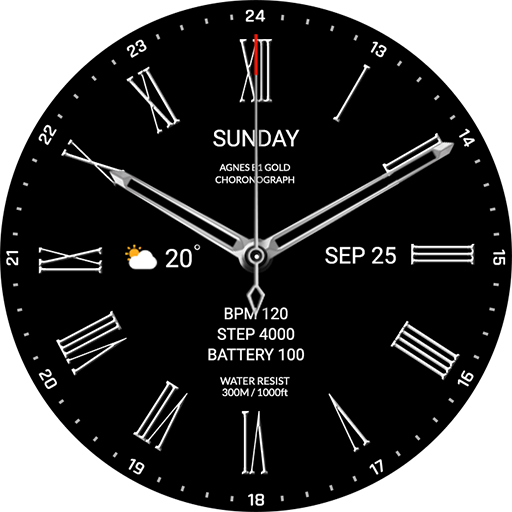
Advanced watchface that supports Wear 2.0 and higher smartwatches.
*How to install
Payment and installation of the Play Store app on the smartphone (touch the right arrow and install the smart watch)
> Need to check the connection between watch device and mobile phone
Find installed watchfaces
1. Press and hold the watch face > 2. Click the Decorate button > 3. Click ‘Add watch face’ on the last right > Confirm the purchased watch face
*Resolved to be installed display
Copy the play store address of the watch face (click the three dots next to the magnifying glass in the upper right corner of the play store > share)
Go to Samsung Internet and click 'Install on another device' (select watch device)
* In order to use all functions, consent to use the sensor is required.
*If the Play St