⚠ Disclaimer
NOT RECOMMENDED FOR APPS FROM META, UBER, WHATSAPP, ANY GOOGLE APP REQUIRING AN ACCOUNT, OR ANY BANKING APP. RISK OF ACCOUNT BAN WITH CHANGED SIGNATURE.
For these apps, use Install to Device via USB or download as ZIP (uncheck merge) to preserve original signatures.
Use your own judgement to decide if an app is serious enough about security to warrant not merging. We do not take responsibility for any account bans or restrictions resulting from the use of re-signed APKs.
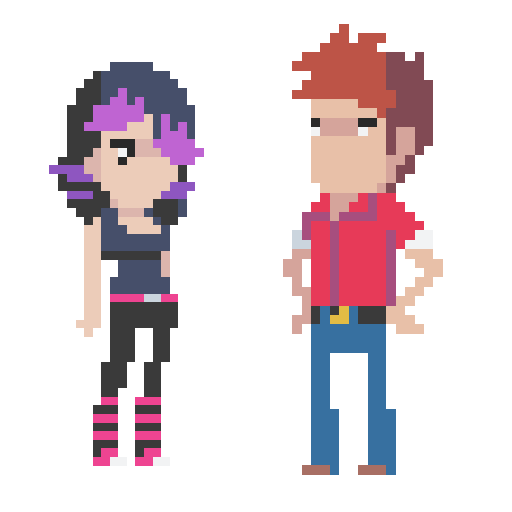
With Pixel Animator, you can do more than cool pixel art. Make your sprites moving is just like a piece of cake.
Features:
1 Make your pixel art from scratch or based on an existing photo or cartoon.
2 Adjust next GIF frame picture based the previous picture which saves your lots of time.
3 Export your animation as a GIF format which is support by every version of browser no matter on the PC platform or the mobile platform.
4 Edit an existing GIF file.
5 Share your GIF Pixel Animation with your friends.
Tips:
The Paint Bucket is very useful. You can use it to change the color of a line or change the color of a closed area.
Simple tutorial
To make a GIF with Pixel Animator, you should know 2 simple concepts.
At first you should know what the current button is, the button that is working