⚠ Disclaimer
NOT RECOMMENDED FOR APPS FROM META, UBER, WHATSAPP, ANY GOOGLE APP REQUIRING AN ACCOUNT, OR ANY BANKING APP. RISK OF ACCOUNT BAN WITH CHANGED SIGNATURE.
For these apps, use Install to Device via USB or download as ZIP (uncheck merge) to preserve original signatures.
Use your own judgement to decide if an app is serious enough about security to warrant not merging. We do not take responsibility for any account bans or restrictions resulting from the use of re-signed APKs.
1. Select the Messier list by clicking on the "Select Range" or "Select Messier" button in the menu displayed on the screen.
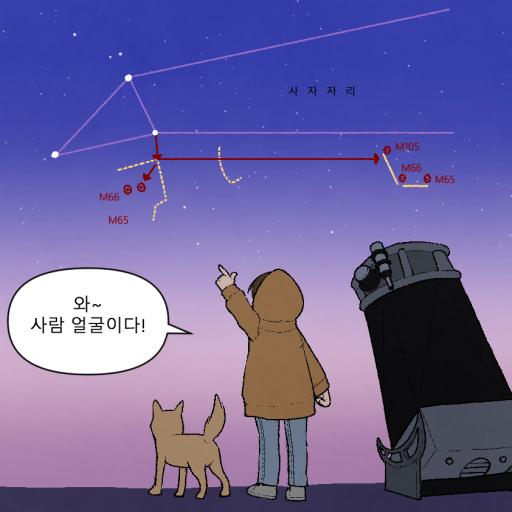
2. Images are provided for the hopping route, hopping area, hopping shape (shape, animal, person), hopping direction, and hopping method for this Messier.
3. You can watch a video by selecting one of the four hopping methods for this Messier.
- Watch the entire video,
- Watch a video explaining the hopping route,
- Watch a demonstration video recorded with Stellarium,
- Play a video showing the view through the finder or eyepiece.
4. Other
- Click on the buttons such as "Patent and Copyright Information,"
- "Purchasing Finders, UC-Type Optics, etc."
- "Night Mode,"
- "Monthly Messier,"
- "Zoom in on Images and Videos,"
- "Hide Top Bar"
to access the Messier lis