⚠ Disclaimer
NOT RECOMMENDED FOR APPS FROM META, UBER, WHATSAPP, ANY GOOGLE APP REQUIRING AN ACCOUNT, OR ANY BANKING APP. RISK OF ACCOUNT BAN WITH CHANGED SIGNATURE.
For these apps, use Install to Device via USB or download as ZIP (uncheck merge) to preserve original signatures.
Use your own judgement to decide if an app is serious enough about security to warrant not merging. We do not take responsibility for any account bans or restrictions resulting from the use of re-signed APKs.
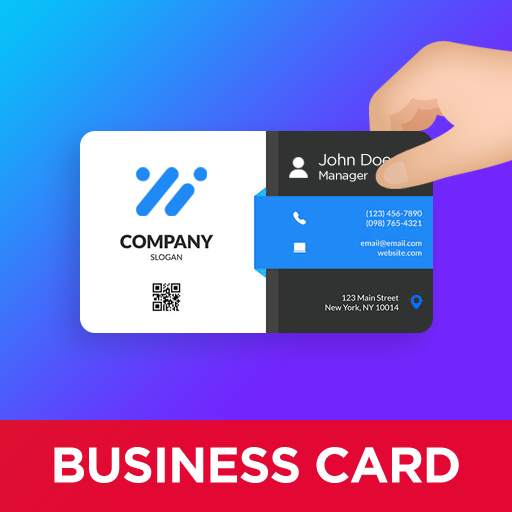
Create professional business cards in minutes, no design skills needed. With ready-made templates and intuitive tools, Business Card Maker turns your contact details into a polished, print-ready card you can share digitally or hand out in person.
HOW IT WORKS
1. Enter your details: Add your name, phone number, email, address, and social media links. The template adjusts automatically to your information.
2. Pick a template: Browse the collection of professionally designed templates and choose the one that fits your industry and personal style.
3. Add your logo: Upload your own company logo or pick one from the built-in logo library. Give your card a professional brand identity right away.
4. Include a QR code: Add a scannable QR code so anyone can save your contact information in seco